Your traffic isn’t bad. Your product is strong. Maybe you’re even running paid campaigns or ranking well on Google.
So why aren’t more visitors turning into leads, signups, or sales?
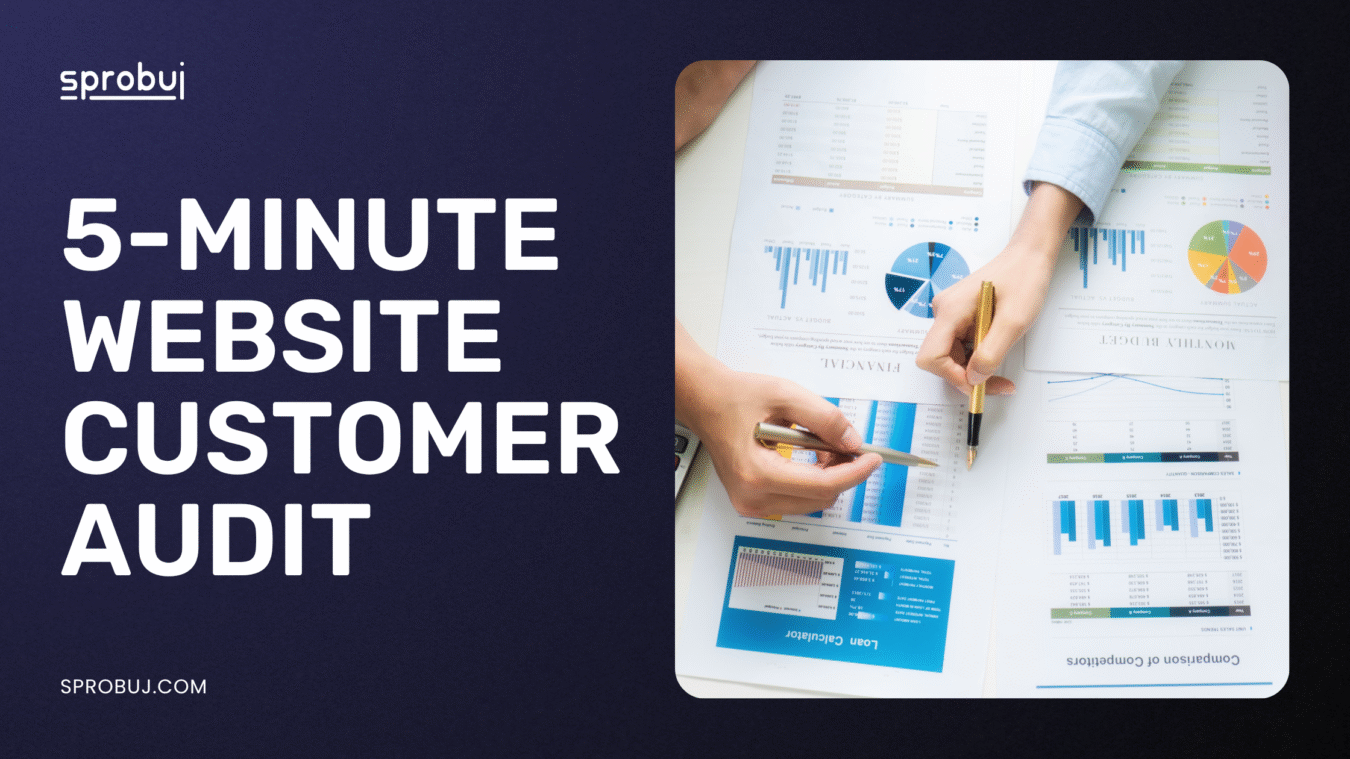
Here’s the hard truth: your site might look fine—but small UX issues, unclear copy, or friction points could be silently killing conversions. That’s why a quick conversion rate optimization (CRO) audit is one of the smartest moves you can make.
This isn’t about major redesigns. It’s about simple, fast fixes you can apply today.

Start Here — Your 5-Minute Conversion Rate Optimization (CRO) Audit
Open your homepage (or the landing page you use most). Scroll slowly. Ask yourself these questions. Then take action.
1. Can I Tell What You Offer in 5 Seconds?
Visitors decide whether to stay or leave within moments. If they can’t immediately tell who you help and what problem you solve—they’ll bounce.
Common issues:
- Generic slogans like “We Empower Growth” or “Solutions that Scale”
- Hero images without context (e.g., stock photo + vague headline)
- No mention of who the offer is for
What to fix:
- Write a headline like: “Project Management Software for Creative Agencies”
- Add a subheading: “Manage campaigns, deadlines, and feedback in one place—without the chaos”
- Keep it short, specific, and benefit-driven
2. Is There a Clear and Prominent CTA?
Your CTA (call-to-action) is the compass of your page. Without a clear direction, users don’t act.
Watch for:
- Multiple buttons with different messages: “Learn More,” “See Pricing,” “Start Free Trial”
- CTA hidden below the fold or blending into the background
- No urgency or incentive to act
Optimize by:
- Picking one main goal per page
- Using contrast (bold color, whitespace) to highlight the CTA
- Writing action-focused copy: “Start your free 14-day trial”
3. Does Your Page Load in 3 Seconds or Less?
Speed matters more than ever. According to Google, 53% of mobile users leave a page that takes over 3 seconds to load.
Check with tools like:
- Google PageSpeed Insights
- GTmetrix Pingdom
Fixes may include:
- Compressing images with TinyPNG
- Using fewer fonts and animations
- Switching to a faster hosting provider
4. Is Navigation Simple and Logical?
If users can’t find what they’re looking for in 2–3 clicks, they leave. Confusing menus or clever-but-unclear labels kill conversions.
Audit this:
- Do you have 5–7 top-level menu items max?
- Are buttons named in plain language (“Pricing” vs. “Solutions Matrix”)?
- On mobile, is the menu accessible and usable?
Fixes:
- Prioritize clarity over creativity
- Remove unnecessary dropdowns or pages
- Link key CTAs in the header/footer for easy access
5. Are You Asking for Too Much Too Soon?
Friction kills momentum. If you ask for too much information up front, users drop off.
Examples of friction:
- Long forms (especially on mobile)
- Forcing users to create an account before showing pricing
- Popups that demand emails before value is shown
Quick fixes:
- Use 2-step forms (email first, then details)
- Only ask for must-haves (email, name)
- Add trust markers: “We’ll never spam you,” or GDPR badges
Bonus Conversion Rate Optimization Wins Most Sites Miss
These details are easy to overlook—but powerful when optimized.
6. Social Proof: Do You Show That Others Trust You?
People follow people. They want to know that others have chosen and loved your product.
High-trust elements:
- Customer logos (“Used by teams at…”)
- Testimonials with real names and photos
- Case studies or before/after results
Tip: Place these near your CTA. They often reduce hesitation right before the click.
7. Does Your Copy Speak Like a Human?
If your page sounds like a brochure or B2B buzzword salad, visitors tune out.
Common copy fails:
- “Innovative solutions for enterprise growth”
- “Leverage digital transformation frameworks”
Instead:
- Use short, clear sentences
- Talk benefits first: “Get more clients in less time”
- Write like you’d explain the product to a friend over coffee

Conclusion:
You Don’t Need a Redesign—Just a Rethink
You don’t need to start over. You need to see your site the way your visitors do: skeptical, distracted, in a hurry. A simple conversion rate optimization audit reveals the friction points that silently cost you sales.
Next step?
Run this audit now, then every quarter. Better yet—have someone unfamiliar with your brand do it too. Fresh eyes = deeper insight.
Need expert feedback?
We offer quick CRO teardowns that pinpoint where your site leaks leads—and how to fix it fast.